Apollo III
Bitcoin Home Mining, Refined

Start Your Self Sovereign Journey
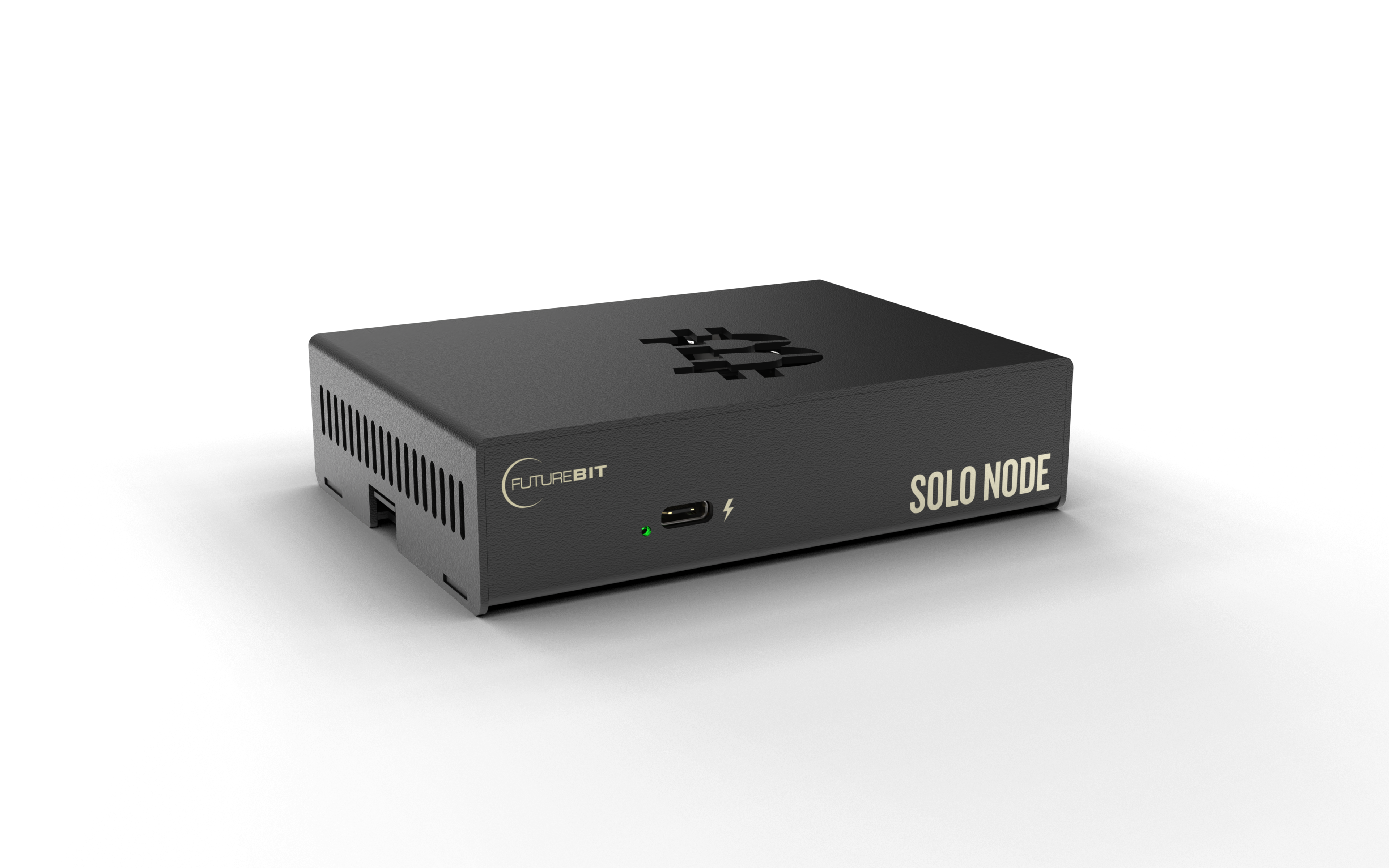
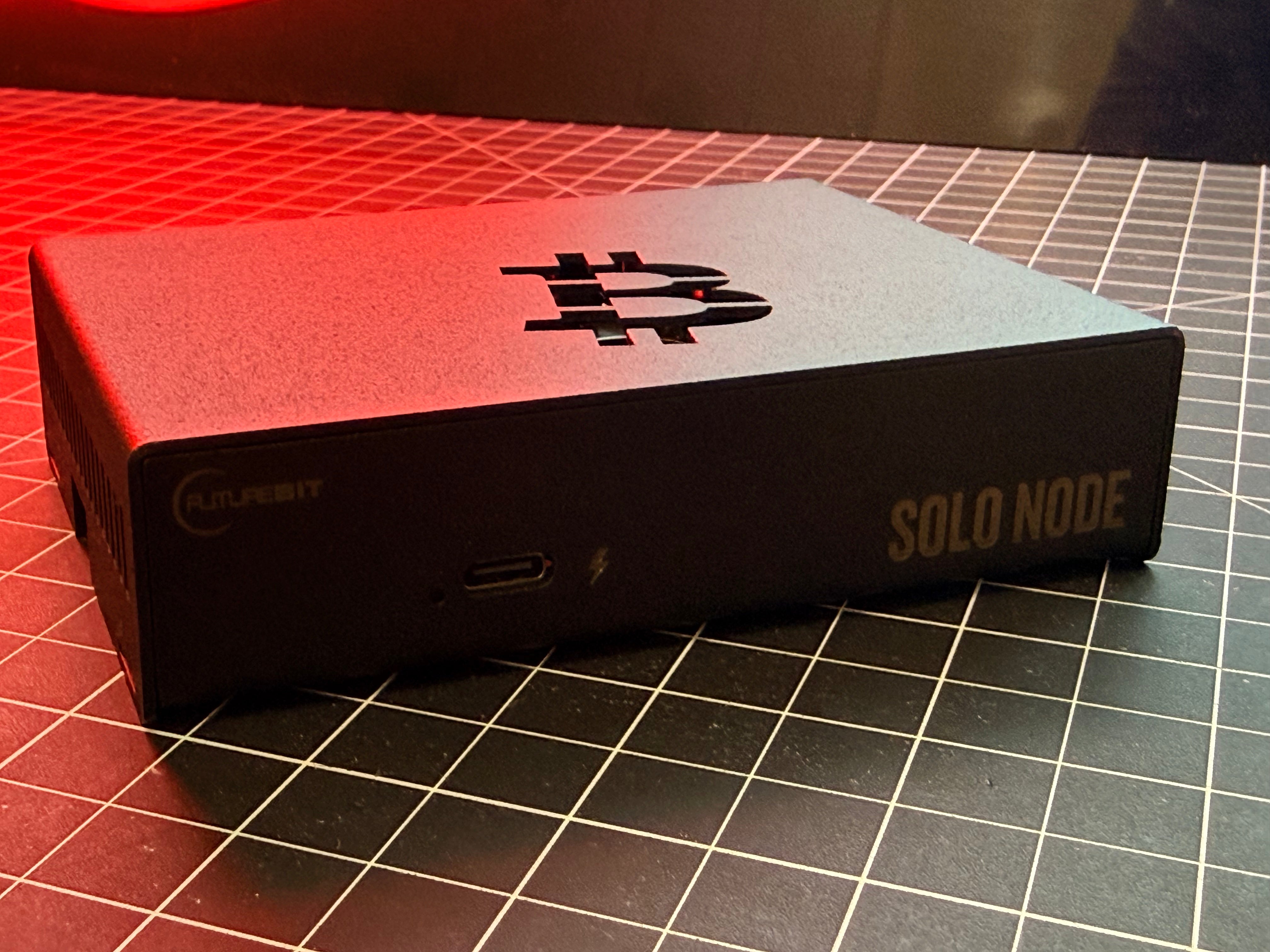
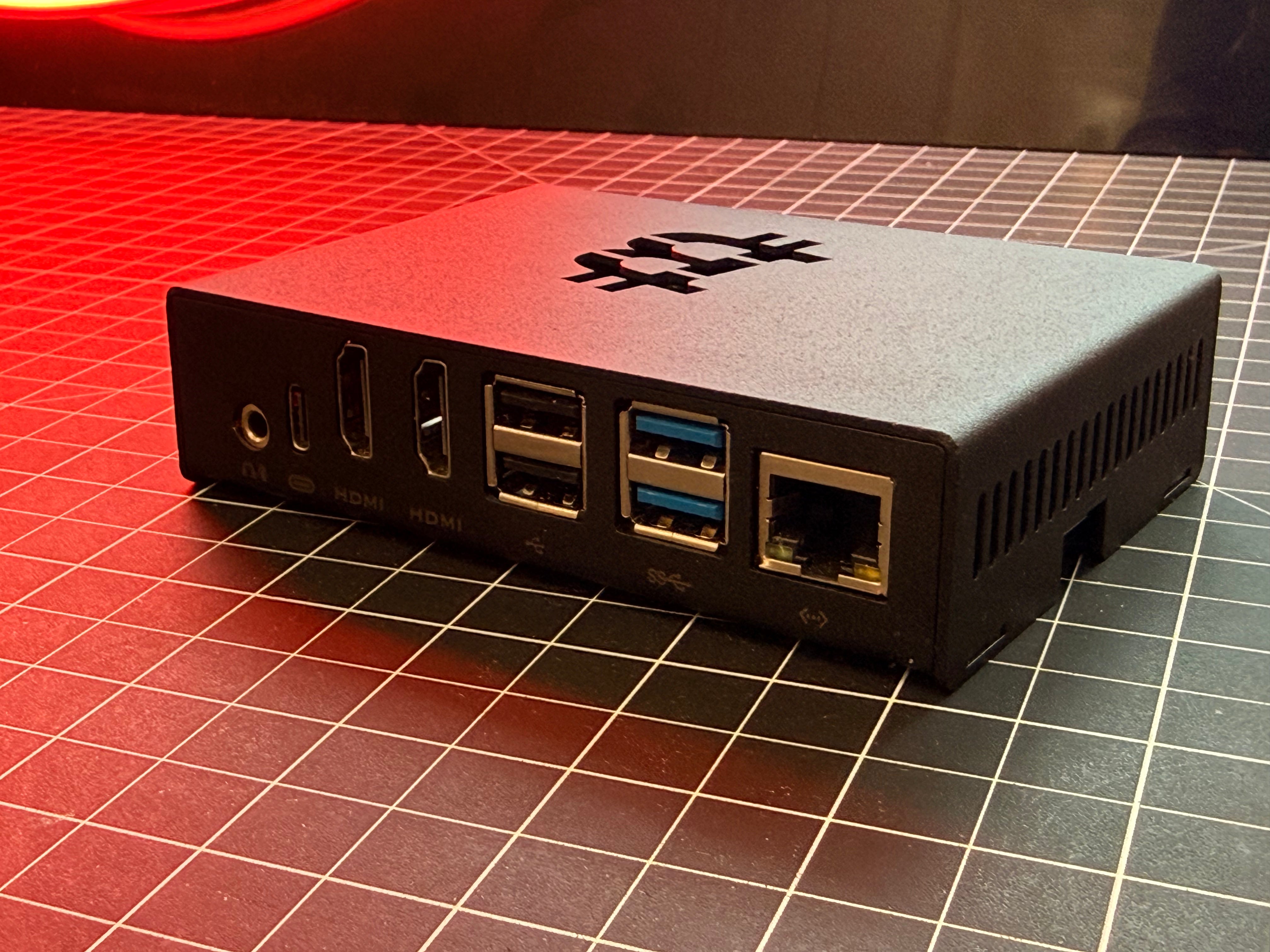
Apollo III Full Node
All In One Desktop System
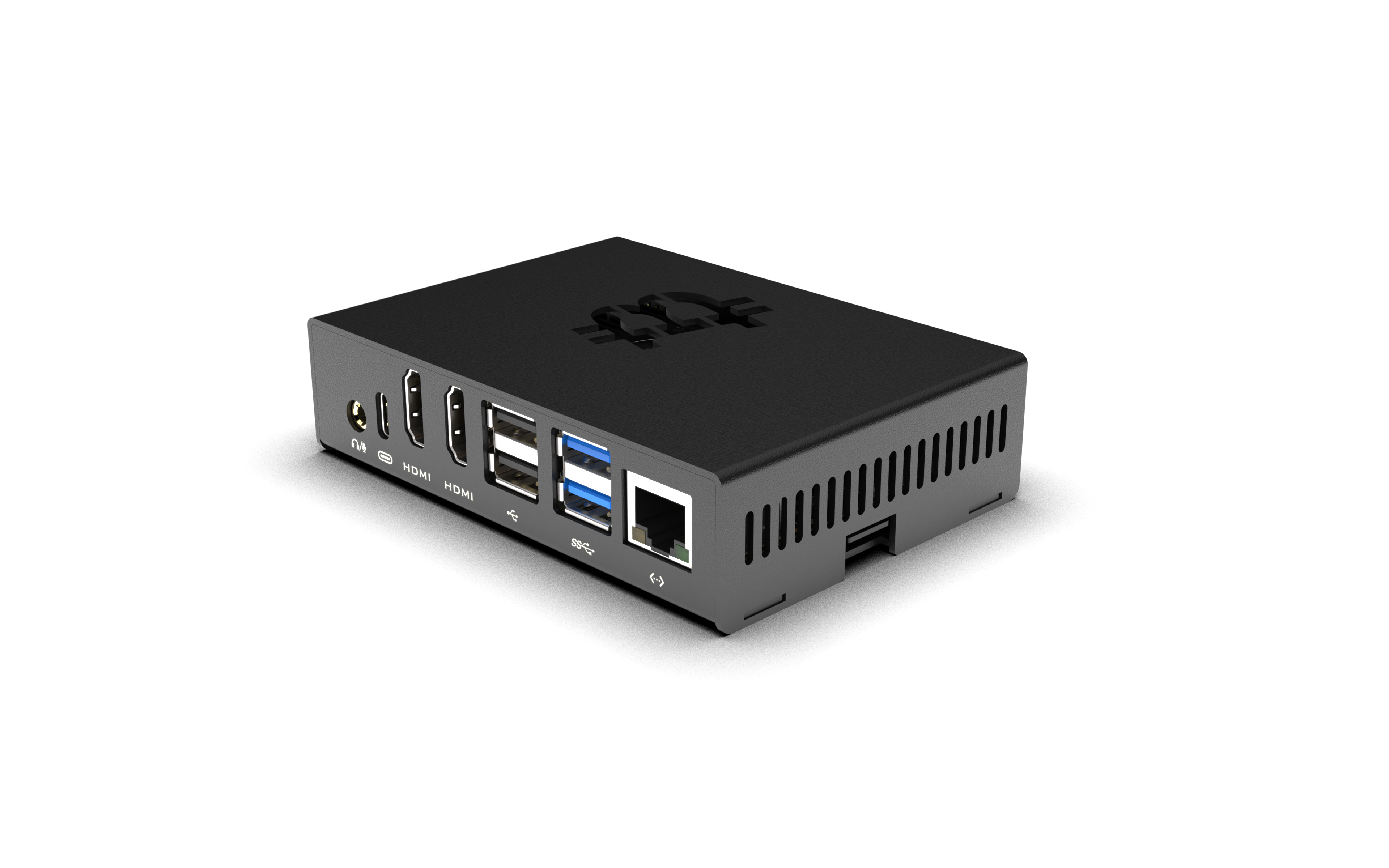
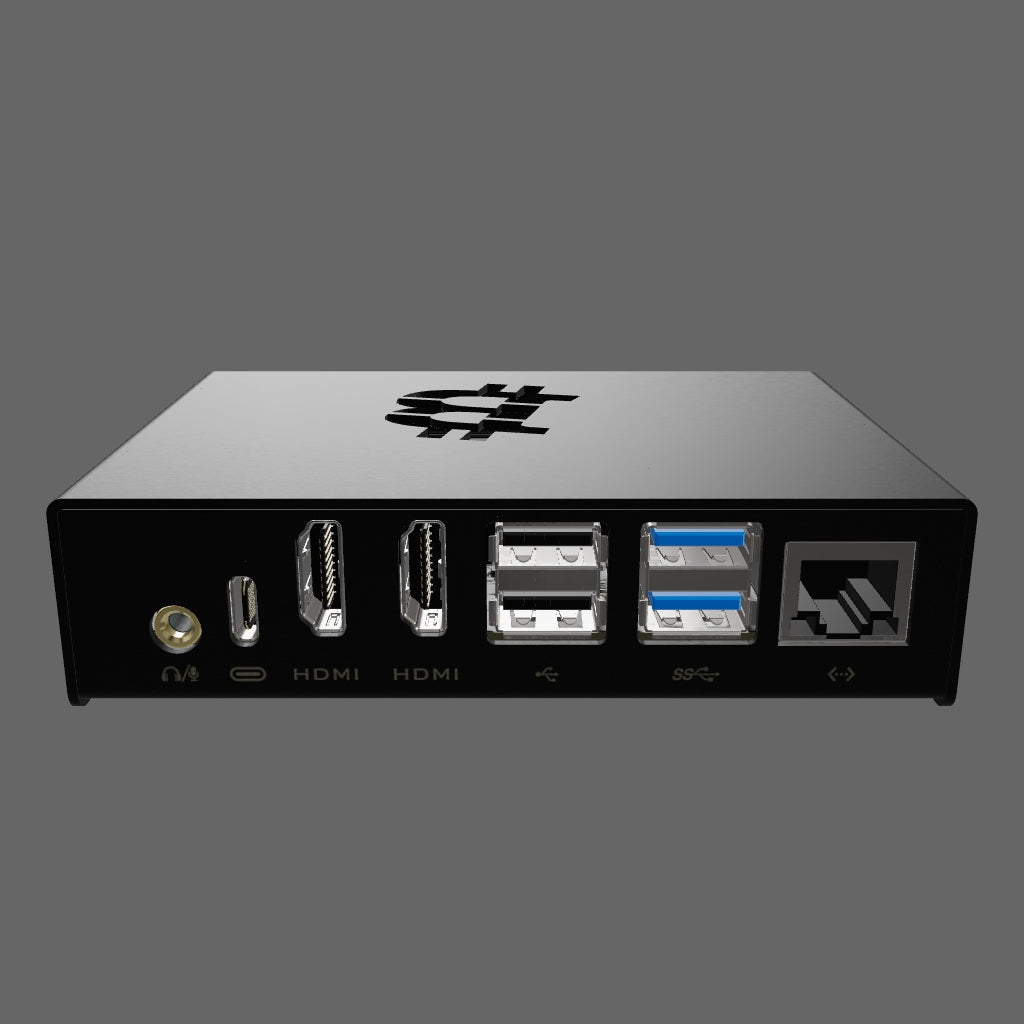
Re-engineered from the ground up. The Apollo III Full Node comes with a powerful 8-core ARM-based controller running Apollo OS 2.1 for a full Bitcoin node and Solo/Lottery Mining with the built-in 10-18 TH/s miner!
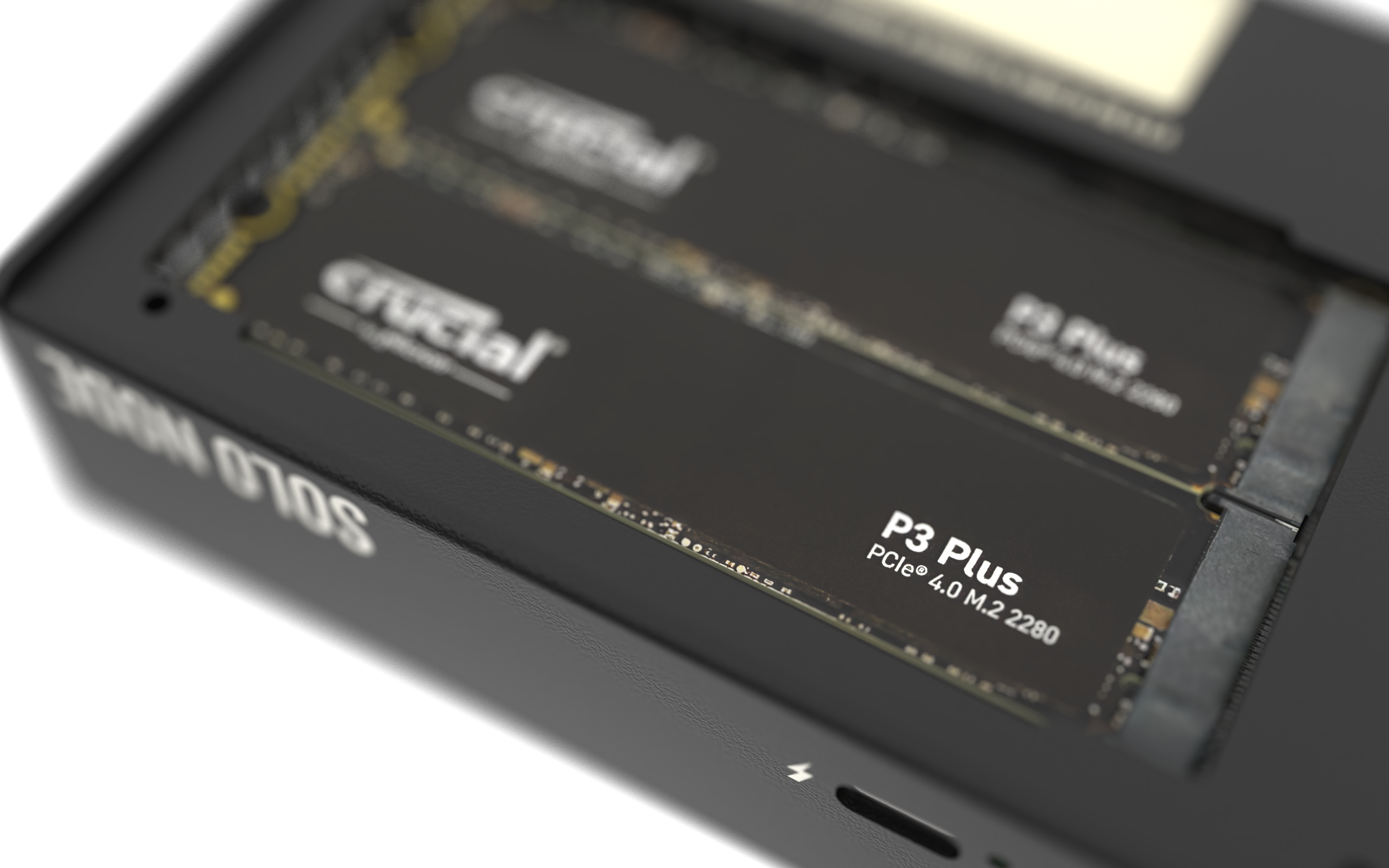
Up to 2TB of SSD Storage
The only Bitcoin miner that comes built in with super fast NVMe storage, enough space to hold a full Bitcoin node for many years to come. Now with dual NVMe drive bays for even more storage and redundancy.
Apollo OS 2.1
Our best-in-class OS designed for mining and running a Bitcoin node, with our groundbreaking Solo Stratum Pool feature. Now you can be your own pool and solo mine to your node, and even connect other miners to your pool!


Apollo III Standard
Standalone Miner Only Unit
The standard version has been revamped for the Apollo III. It now comes with its own built in controller so you can run it standalone from anywhere.
Expand your Hashpower
Increase your hashpower and place the unit anywhere you want within wifi range. Want to have a hash heater in every room? Now this is possible with the all new Apollo III Standard!
Full Independent Control
Running the same Apollo OS as our full node device you can now set each individual miner with its own settings, pool, and other options. Pool mine with one unit, Solo mine with another!