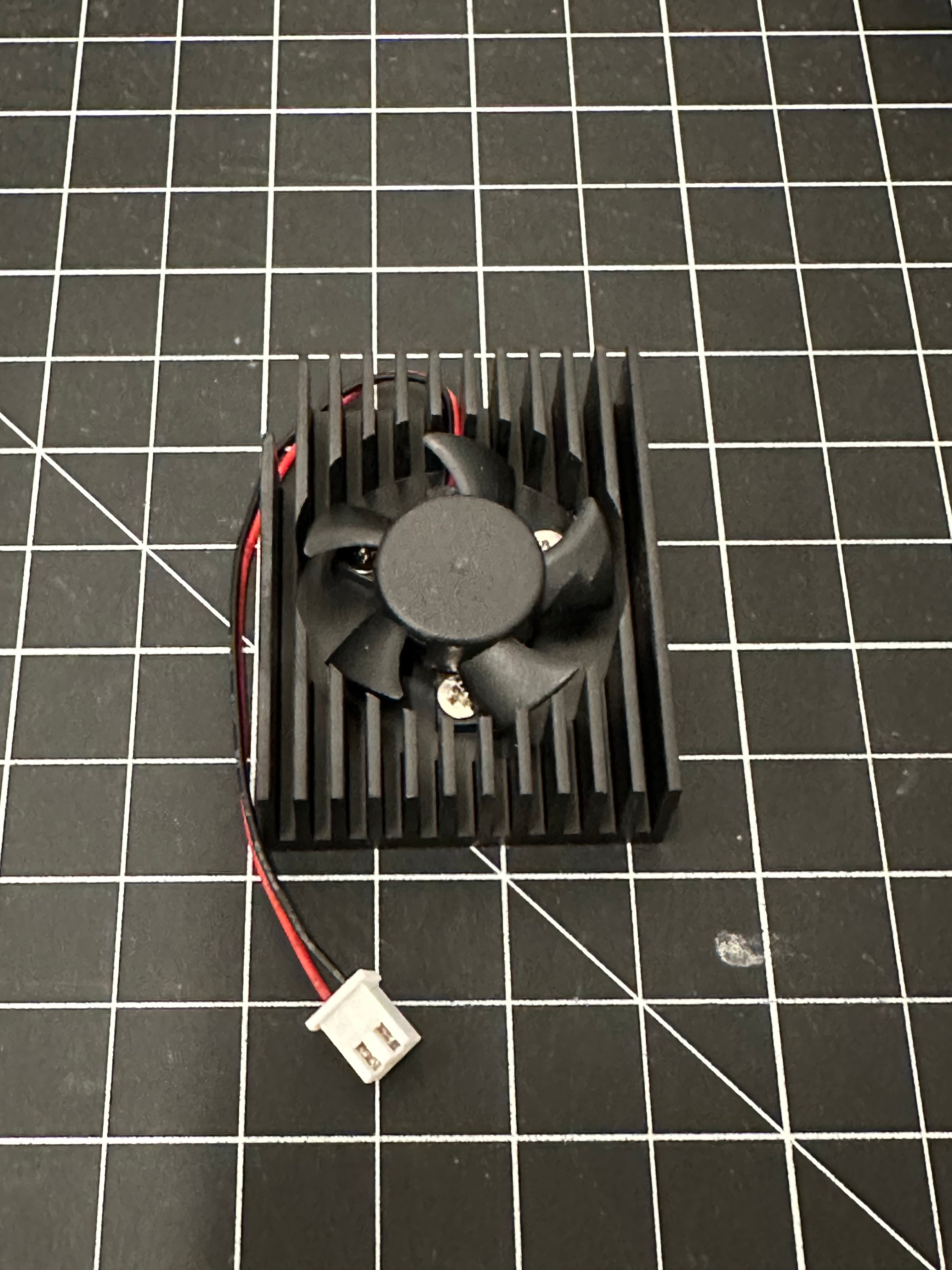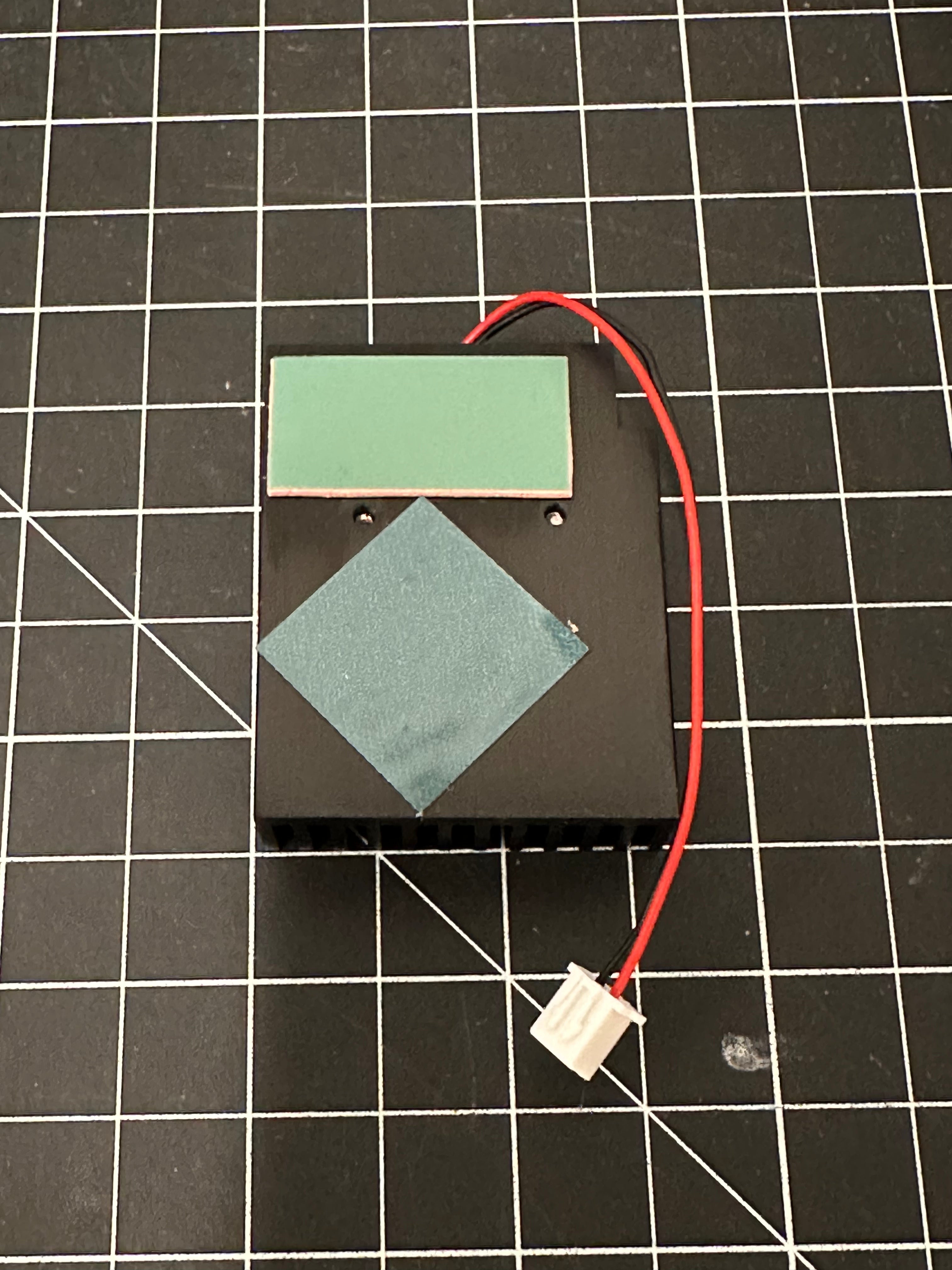
Replacement Small CPU Fan/Heatsink for Apollo BTC Controller

We are a USA-based company and all products ship from multiple locations in the USA. All international orders ship via FedEx with duties paid by the recipient, so please check your local laws and be prepared to pay import taxes, duties, and fees. Prefer to buy locally? See our international distributors.
Please note all products marked as Pre-Order will ship at a later date. While we do everything we can to make sure products are shipped at the target time, all pre-orders are subject to delays outside of our control. Do not place a Pre-Order if you are not willing to wait until the product ships. Pre-Orders are non-refundable and all funds are used to pay suppliers for production.
You are buying directly from FutureBit, and all our products come with a standard 1-year limited warranty. Need help? Chat with us using the chat button on this page or send us an email, and we respond to every inquiry.
You can buy all our products with Bitcoin and other select cryptocurrencies.
This is the upgraded heatsink/fan assembly for the blue controller on all Apollo BTC Full Node units. Fan is compatible with all Batches.
This upgraded heatsink/fan came with all Batch 4 Apollo BTC units but can be used as an upgrade for Batch 1-3 units or if your CPU fan has started to fail/make noises.
This is NOT the main fan for hashboard, there is a seperate replacement product for the main fan.
Specifications
- 25x10mm heatsink/fan combo
- 5k RPM
- 5v
- 2 PIN Standard Fan Connector
Replacement Instructions:
Heatsink/fan is user replaceable. You will need to remove the two bottom controller boards before you can access the other side of the blue controller board where the heatsink/fan is mounted. Boards are held in place by two screws on the bottom lip of the case. Be careful not to damage the ribbon cable attaching the two boards.
Once the blue board is removed unplug the two pin fan connector and gently remove the old heatsink assembly. It's held down on the CPU by a strong thermal tape.
Remove the blue protection films on the new replacement heatsink, and align the heatsink so the notch is next to the audio jack on the controller board.
Press tightly to adhere the heatsink to the main CPU, and plug in the two pin fan connector.
Replacement Small CPU Fan/Heatsink for Apollo BTC Controller